
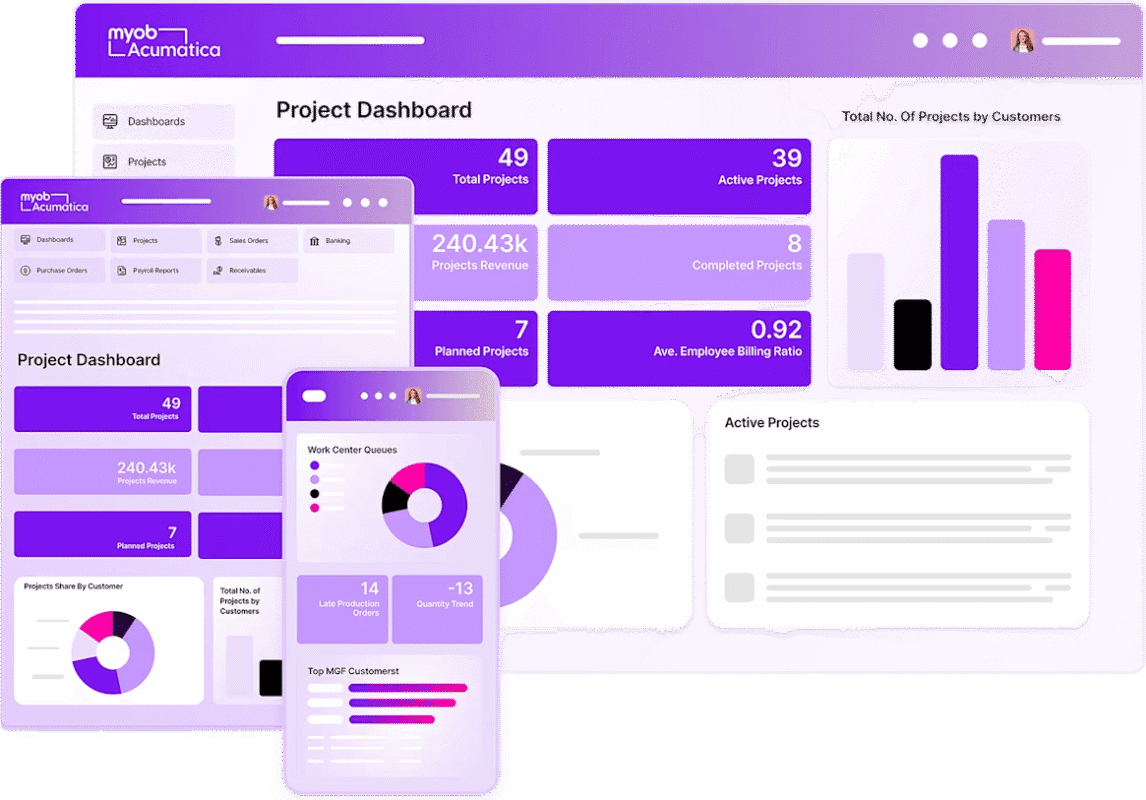
MYOB Acumatica builds practical, responsible AI into the ERP your business already runs on. It answers questions from your live data, spots problems before they cost you, and takes repetitive work off your team’s plate. Acclaim helps New Zealand businesses put it to work where it pays off.
Why AI in your ERP
Assist: answers and less admin
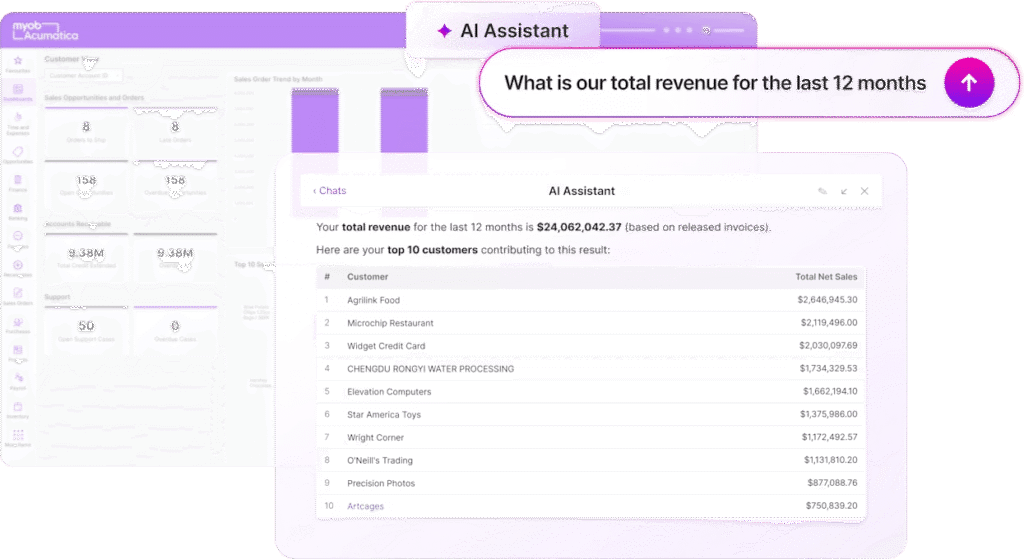
AI Assistant
Ask everyday questions in plain English about revenue, customers, invoices, inventory and financial performance, or start from a ready-made prompt. The AI Assistant answers from your live ERP data, with summaries, tables, charts and links to the supporting records. It arrived in release 26 R1.
AP Bill Entry
Supplier bills are read automatically with optical character recognition. Supplier, amounts, dates and lines are captured and the bill is ready to review, with no separate scanning service to pay for.
Expense Management
Staff photograph a receipt and the expense is created and categorised in real time, ready to code to a customer or project and send for approval.
Auto Complete
Suggestions fill in fields as people type, speeding up everyday data entry.
Advise: insights before problems
Anomaly Detection
Anomaly Detection learns what normal looks like across expenses, supplier invoices and other financial transactions, then flags unusual activity such as a miskeyed amount or a duplicate bill, so errors and risks are found sooner.
Production Variance Anomaly Detection
For manufacturers, unusual variances in production are flagged early, before they eat into margins.
Cross-Sell Assistant
AI suggests relevant additional products at the point of sale, helping your team find new revenue in every order.
Automate: AI Automation
AI Automation (previously called AI Studio) lets you build AI-powered automations inside MYOB Acumatica using your own business data. Automate approvals, document processing, pricing decisions, notifications and other workflows unique to your business. Your power users or administrators set them up without a developer, and anyone in the business can use them. AI Automation is being rolled out progressively, with new capabilities in each release.
How AI has arrived, release by release
| Release | AI capabilities added |
|---|---|
| 25 R1 | AP Bill Entry, Expense Management, Anomaly Detection, Auto Complete |
| 25 R2 | AI Studio (now AI Automation), Cross-Sell Assistant, Production Variance Anomaly Detection |
| 26 R1 | AI Assistant, new AI Automations, AI-powered summaries |
Your data stays protected
- Your data isn’t used to train AI models. AI providers can process data to generate a response, but they can’t store it or use it for training.
- Stored in Australia. MYOB Acumatica stores customer data in Australia, including business context and AI conversation history.
- Trusted providers. Depending on the feature, AI processing happens in Australia or on enterprise AI infrastructure from Anthropic, AWS and Microsoft. AI Automation runs on AWS, using AI models available through AWS Bedrock.
- Your permissions apply. AI works within your existing user permissions, access controls and governance settings.
Automation you can use today
Not everything needs AI. Some of the biggest time savings come from automation already built into MYOB Acumatica:
- Approval workflows for purchases, bills, expenses and journals, with mobile approval
- Business events that alert people or start actions when something happens, such as stock falling below its minimum or a customer exceeding their credit limit
- Scheduled processes that run invoicing, statements, replenishment and reports overnight
- Bank feeds and reconciliation rules that match most transactions automatically
- Integrations with e-commerce, couriers, payment providers and tools like Velixo for live Excel reporting, using open APIs
Turning AI into real results
AI isn’t meant to replace your people. It’s there to take repetitive work away so they can focus on what matters. Features only pay off when they’re applied to the right processes, so we start with how your business works today, find where time and errors pile up, and switch on the AI and automation that will make a measurable difference there first.
- We review your processes before recommending anything
- We focus on outcomes, such as hours saved, errors avoided and cash collected sooner, not feature lists
- We set up, test and train, so new tools are used from day one
- We keep you up to date as new AI capabilities arrive in each release
Explore what AI could do in your business
Not every feature suits every business. An AI and automation review shows you where the biggest gains are, whether you already run MYOB Acumatica or are still deciding.
Frequently asked questions
What AI features are available in MYOB Acumatica?
AI Assistant, AI Automation, AP Bill Entry, Expense Management, Anomaly Detection, Production Variance Anomaly Detection, Cross-Sell Assistant and Auto Complete, with more added in each release.
What is MYOB Acumatica AI Automation?
AI Automation, previously called AI Studio, lets businesses build AI-powered automations using their own data, such as approvals, document processing, pricing decisions and notifications. It is being rolled out progressively.
Does MYOB use my business data to train AI models?
No. Customer data is not used to train external AI models. AI providers can process data to generate a response but cannot store it or use it for training.
Where is MYOB Acumatica AI data processed?
Customer data is stored in Australia. Depending on the feature, AI processing happens in Australia or on enterprise AI infrastructure from Anthropic, AWS and Microsoft.
Will AI replace my employees?
No. MYOB Acumatica AI automates repetitive tasks and surfaces insights so people can focus on higher-value work.